Read the author's instructions below to know how you can get help.
Supported
Jeff123's support instructions
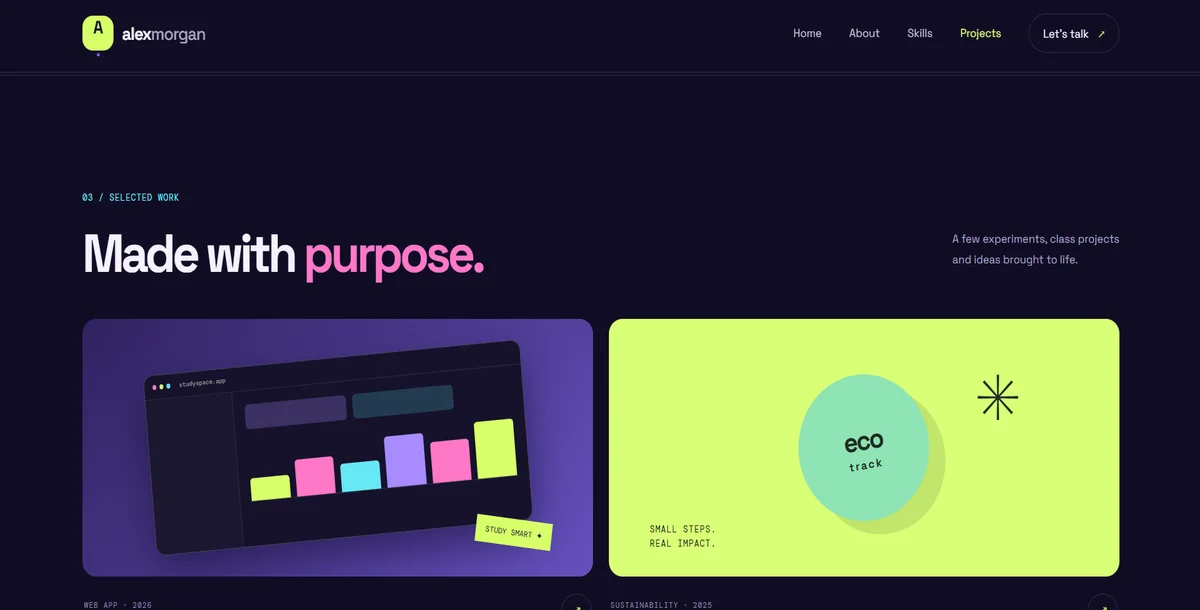
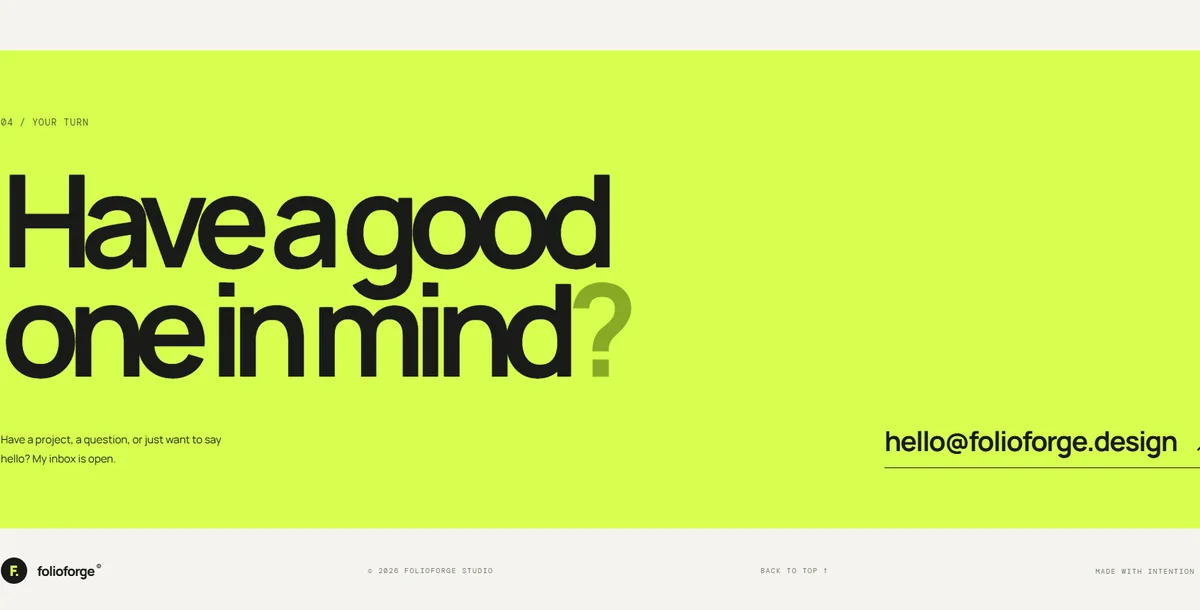
Thank you for purchasing the Alex Morgan Creative Student Portfolio Website.
For installation and customization:
1. Extract the downloaded ZIP file.
2. Open the project folder in Visual Studio Code.
3. Install Node.js if it is not already installed.
4. Run `npm install` to install the dependencies.
5. Run `npm run dev` to start the development server.
6. Open the local URL displayed in your terminal.
You can customize your name, profile description, skills, projects, colours, and contact information by editing the relevant source files.
Support is available for installation issues, template-related bugs, and questions about the included features.
Please include your purchase details and a description of the issue when requesting support.
Note: Custom feature development, backend integration, and third-party service configuration may require additional work.